
How to Register Smart SIM for Minors
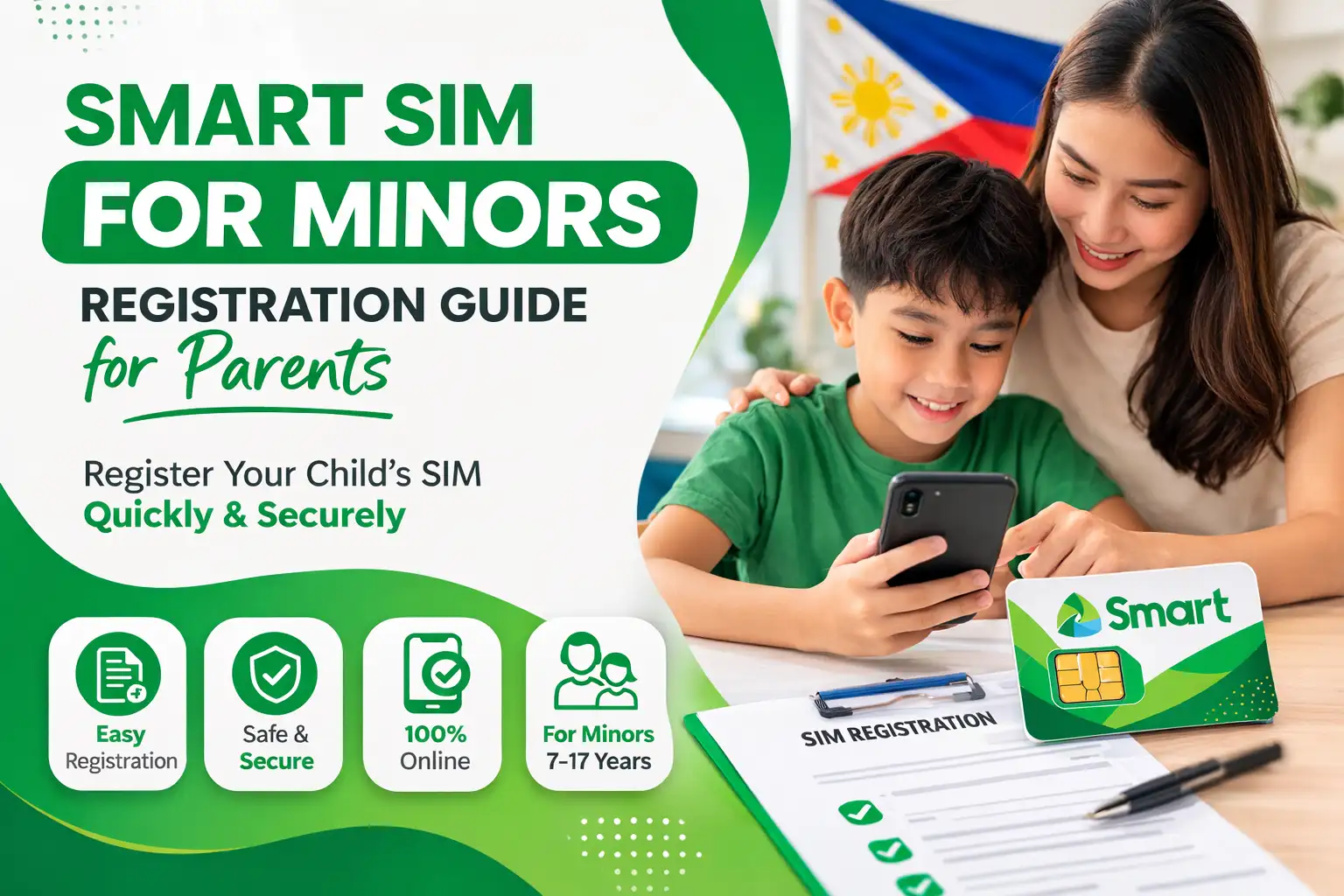
The Philippines Sim Registration Act requires all citizens to register their SIMs online and in physical stores. This rule applies not only to adult citizens but also to minors and special persons to register their SIM cards. As the minors are underage, they do not have the necessary legal documents for the registration process. So, the parents or guardians must complete the process and fulfill the additional requirements on their behalf. This article provides a guide for registering a Smart SIM for minors and understanding the requirements and procedures.
Required Information for Minor’s SIM Registration
For the SIM registration for minors, here is all the key information to start the process:
- Minors aged 7-17 years are eligible for this category. Parents or a legal guardian must proceed with this process. For verification, the parent’s ID is used.
- Guardian must declare that the SIM will be used by the minor.
- The required information is the full name and personal details.
- You can register a Smart SIM by using the official website, Smart app, a physical store, or the helpline.
Who Can Register a Smart SIM for Minors
A SIM card used by a minor is an absolute responsibility of the guardian. So, the guardian is responsible for all information provided during the registration. The following individuals can usually register SIMs for minors:
- Parents
- Legal Guardian
- The Person with the lawful authority over a minor
Documents Required
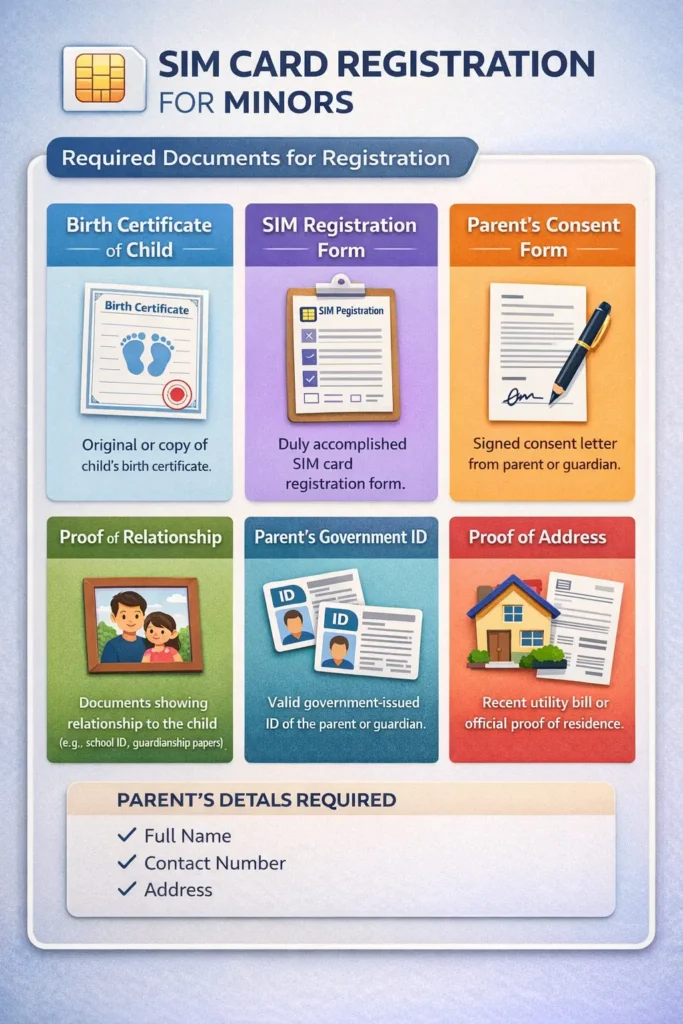
SIM registration for minors requires more documents and additional information than the standard adult registration. Here is a complete list of documents required from the guardian of minors:
- Birth certificate of child/minor
- SIM registration form
- Parent’s consent form
- Relationship proof
- Government-issued ID of parents/single parent
- Parents’ details and proof of address
How to register a Smart SIM for Minors
In the Philippines, children under 18 are not allowed to register a SIM in their own names. This process is completely legally handled through the minor’s guardian. There are three major platforms to register the smart sim online:
- Official Smart Portal (https://simreg.smart.com.ph)
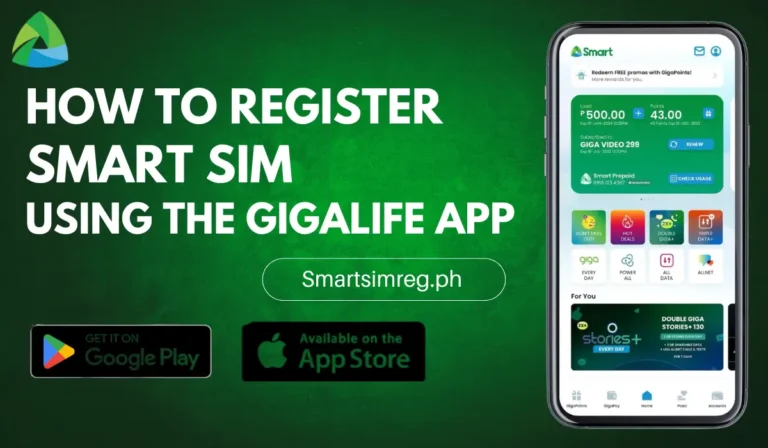
- GigaLife App
- Smart Helpline ((02) 8888-1111)
The registration process is the same on these platforms. All of these platforms are created for user convenience. So they can choose any platform to register the SIM card within a few steps.
Also Read > Smart SIM Registration for Tourists & Foreign
Minor’s SIM Registration via Official Smart Portal
Open the official web portal (https://simreg.smart.com.ph/) of Smart and follow this step-by-step guide to register a SIM without any hassle. Here are the steps:
You can check the registration status on the Smart portal to verify that your sim is completely activated.
Tips for Online Safety of Minors
The appropriate use of your child’s phone is your responsibility. So, follow these tips to ensure the online safety of minors:
- Set parental controls on minors’ mobile devices. It will help to monitor apps and limit mobile activity.
- Educate them about sharing the dangers of responding to unknown numbers and clicking on suspicious links.
- Make sure they are not involved in any suspicious or spam activity to secure their digital safety.
Conclusion
In conclusion, SIM registration for minors helps ensure digital security and prevent spam and threats. As a parent, you must know that a minor cannot register a Smart SIM on their own. A parent or guardian must complete the registration with the legal documentation. All the instructions are explained step-by-step. Therefore, before registering a SIM for a minor, read this and verify your registration within a few minutes.
I don’t know
Hi, please let us know what you need help with regarding Smart SIM registration for minors, and we’ll be happy to help.