
Smart SIM Registration Online & Offline
The Philippine government has made Smart SIM Registration essential for every citizen to register their SIMs under the Republic Act 11934. All new SIM users can register online by using the web portal, the GigaLife App, QR code, and the helpline. The Smart TNT offers rewards and bonuses for selecting postpaid and prepaid packages on SIM activations. Special categories like Minors, PWDs, and foreign nationals must also register to ensure digital security.
What Is Smart SIM Registration?
Smart SIM card online registration is the Telecommunications Republic Act to register SIMs digitally to cooperate with the government to secure the Telecommunication network. Each country has specific rules for the network.
Thus, the Philippine government has made it essential for every new and existing SIM user to register the SIM for the Smart digital system. The Smart SIM registration 2026 process is offered with both online and offline methods to facilitate ease for Filipinos and other foreigners.
Why Smart SIM Registration Is Necessary
The telecom industry is rooted deep in the progression of the country, and the Smart SIM is necessary to protect users’ digital safety. With this security, the communication is also secured, and authorities can easily control and block the suspicious individuals and activities. The verified Smart SIM can reduce financial fraud and other scams.
After registering the SIM, users can continue to enjoy the TNT services, making calls, and using the data to communicate across the globe. Further, the act of SIM registration also proves the role of responsible citizenship to encourage trust in the government and the digital community in the Philippines.
Enhanced Security
Verified profiles to control digital security and scams
Responsible Citizenship
Encourage trust in the government and digital community
Global Communication
Continue enjoying TNT services, calls, and data usage
Digital Safety
Protect users and reduce financial fraud
Smart SIM Registration Requirements
The requirements for the Smart SIM registration in the Philippines are personal information and documentation for identity verification and consent. While doing the SIM registration, make sure to provide all information and accurate and valid IDs. Because false information or any fictitious document or identity can cause a penalty from the government.
Personal Information Required
Documents Required
The required documents depend on the type of users registering for the Smart SIM registration form. However, every user must provide:
However, there is no need for documents for the postpaid subscribers. As they have already provided their details, postpaid users only need to register, and their information will already be displayed in the registration form.
List of Accepted Valid IDs
The valid IDs are offered in a variety of registration options to make the process easier. The valid document should contain the user’s photo to accept the verification from users. Some valid IDs include:
Click Here
Acceptable IDs for Smart SIM Registration
Acceptable IDs are required to prove the user’s identity in the Philippines for the SIM registration process. These measures are taken to identify the valid government-issued ID with a clear photo of the person. For registration, the ID must be valid, readable, and unexpired with a clear photo and must be in good condition to avoid any rejection for verification.
The valid ID for Filipino citizens is any government-issued document with the user’s photo. These IDs provide all basic information and identity for the SIM registration. Similarly, minors under the age of 18 years are required to register the SIM under their parent’s or legal guardian’s ID. Foreign nationals will provide a valid passport and travel details for the SIM registration and activation. These acceptable IDs ensure the user’s digital security and a safer mobile network with lawful communication.
Smart SIM Activation Process After Registration
The Smart SIM registration offers different online and offline methods to register the TNT SIM through a free registration process. Here are the following methods for SIM registration:
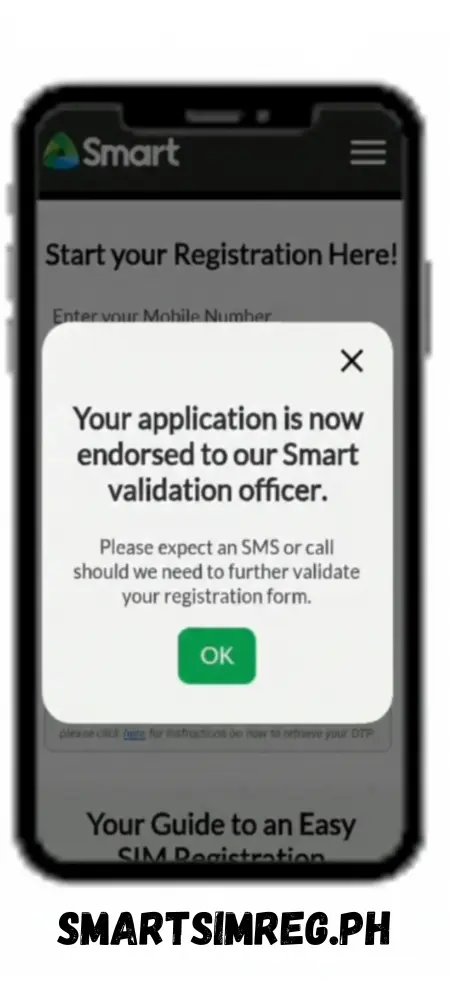
The activation of the Smart SIM may take up to 24 hours for processing the registration process. Mostly, the SIM is activated immediately or within a few hours. However, the most expected timeline for SIM activation is 24 hours. In case the user faces delays in SIM activation, they can contact the helpline for this issue.
How to Check Smart SIM Registration Status
Users can check the status of registration with the following two methods:
Check Status via Smart SIM Registration Portal
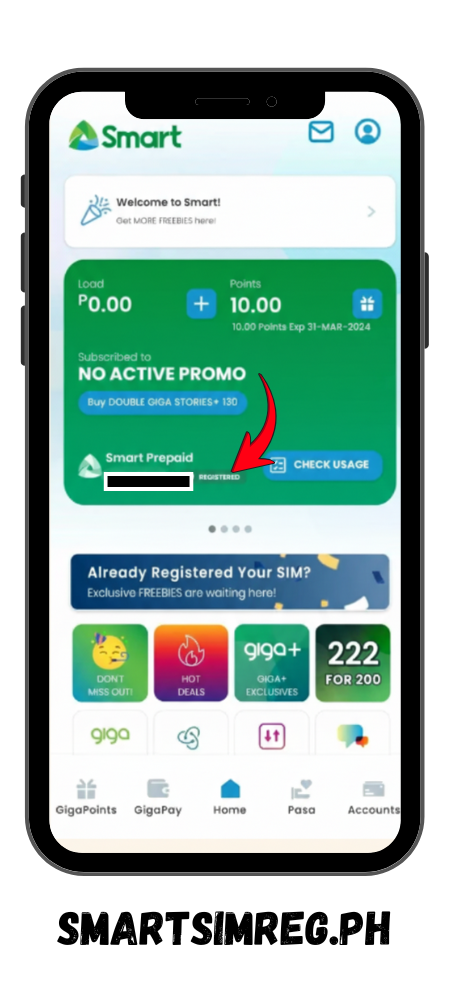
Check Status via GigaLife / Smart App
After downloading the Smart GigaLife app, you can check the status of Smart SIM Card registration online for free. So, follow these steps:
Smart SIM Registration Methods (Online & Offline)
The SIM registration offers different online and offline methods to register the TNT SIM through a free registration process. Here are the following methods for SIM registration:
Smart SIM Registration via Online Web Portal (Official Link)
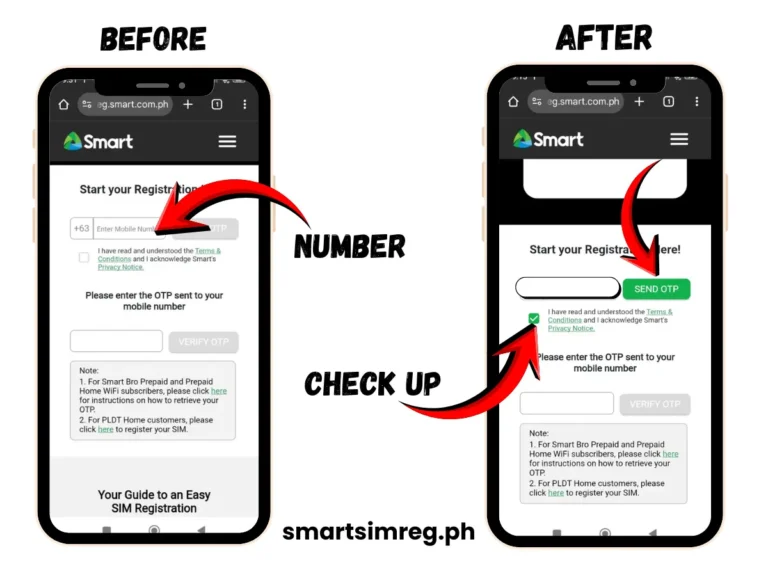
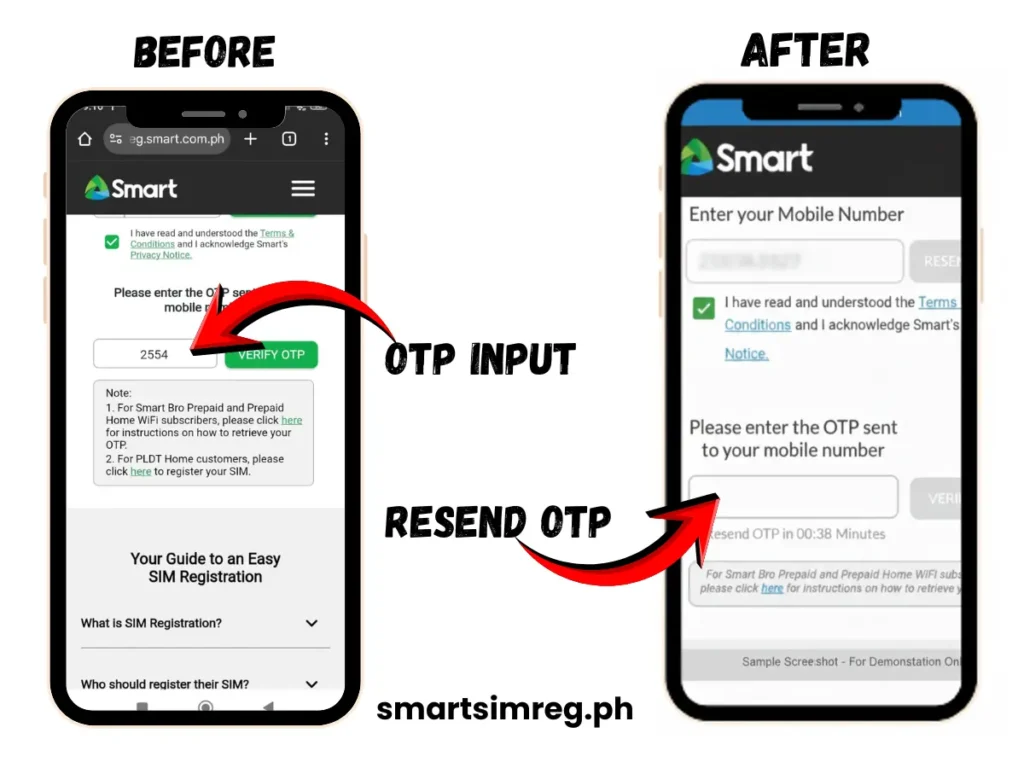
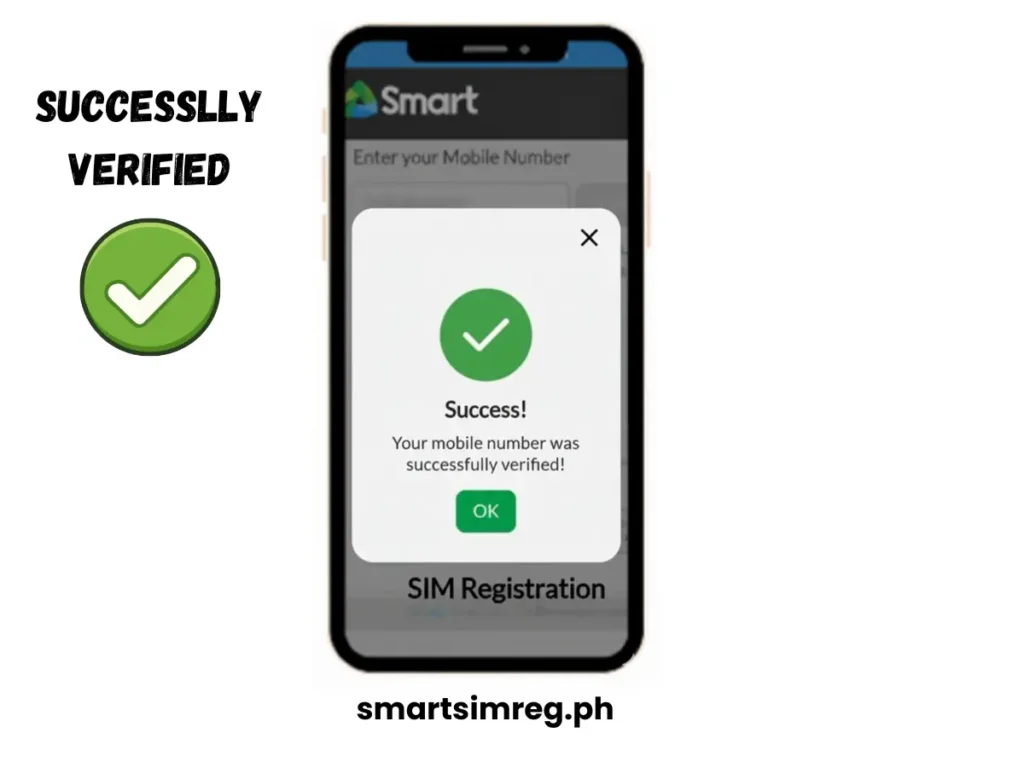
The Smart SIM registration link is provided by the Smart SIM official portal (http://smart.com.ph/). Follow these steps to fulfil registration:
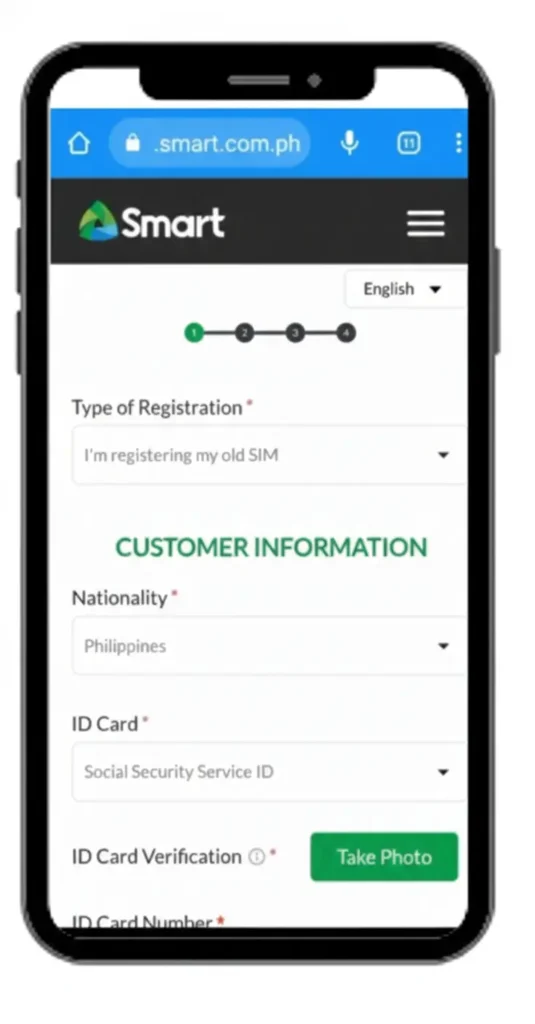
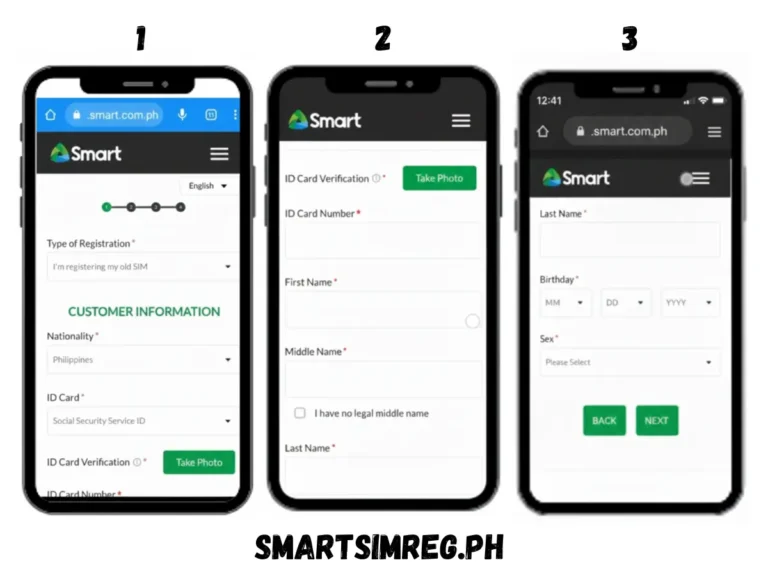
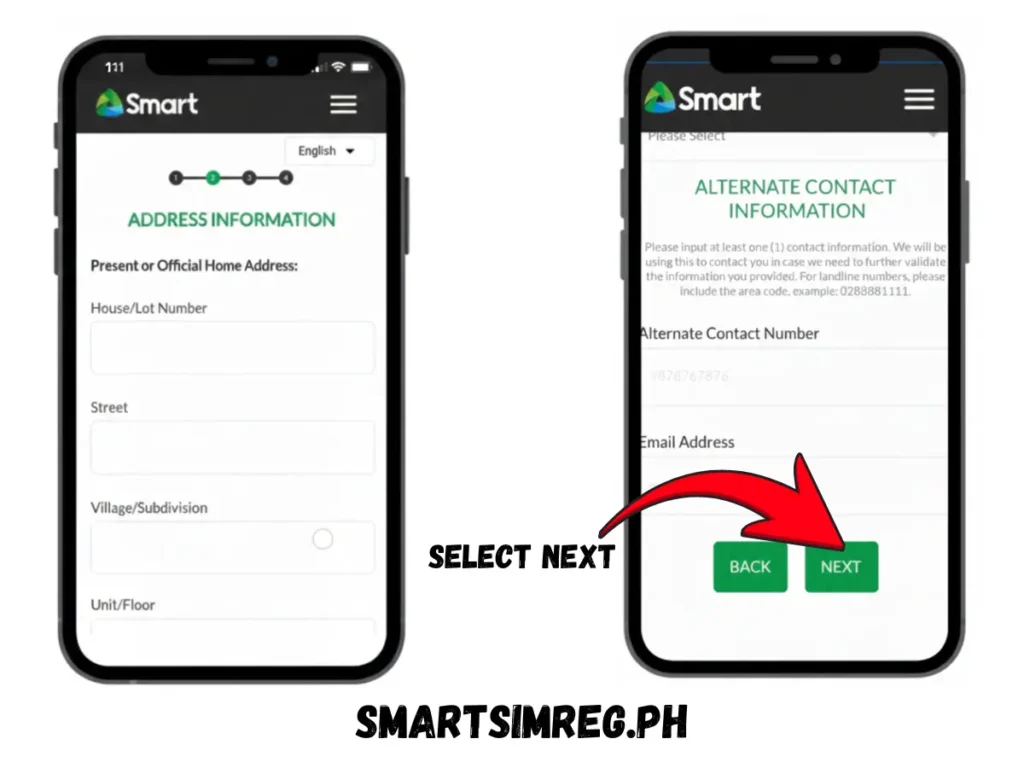
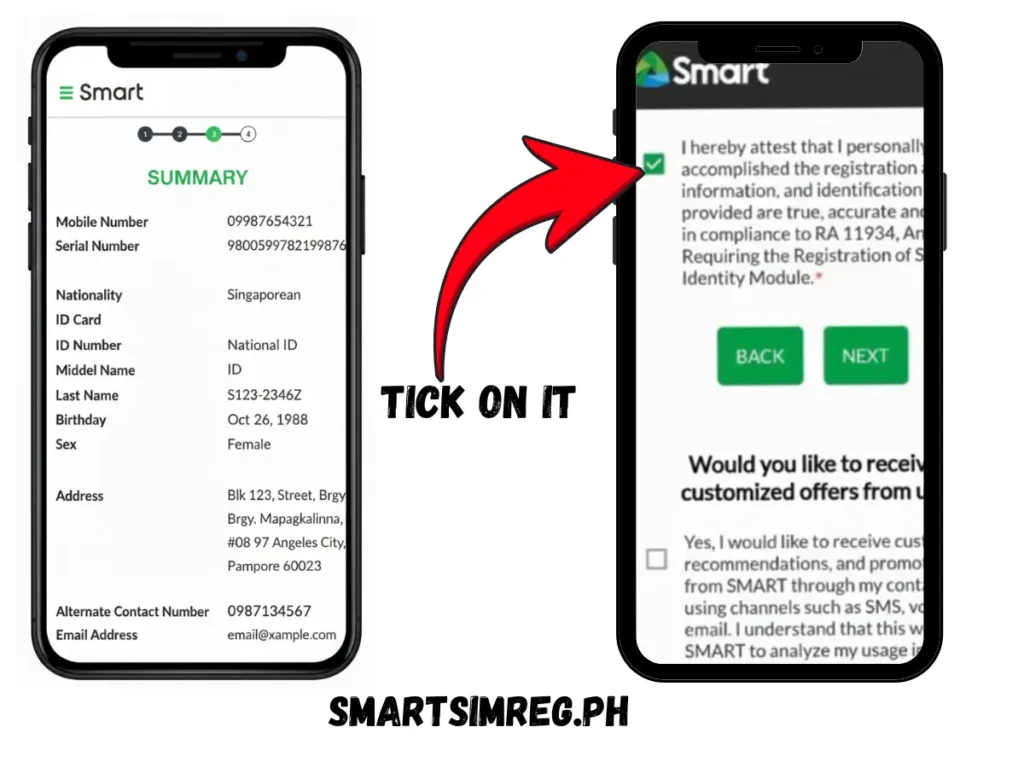
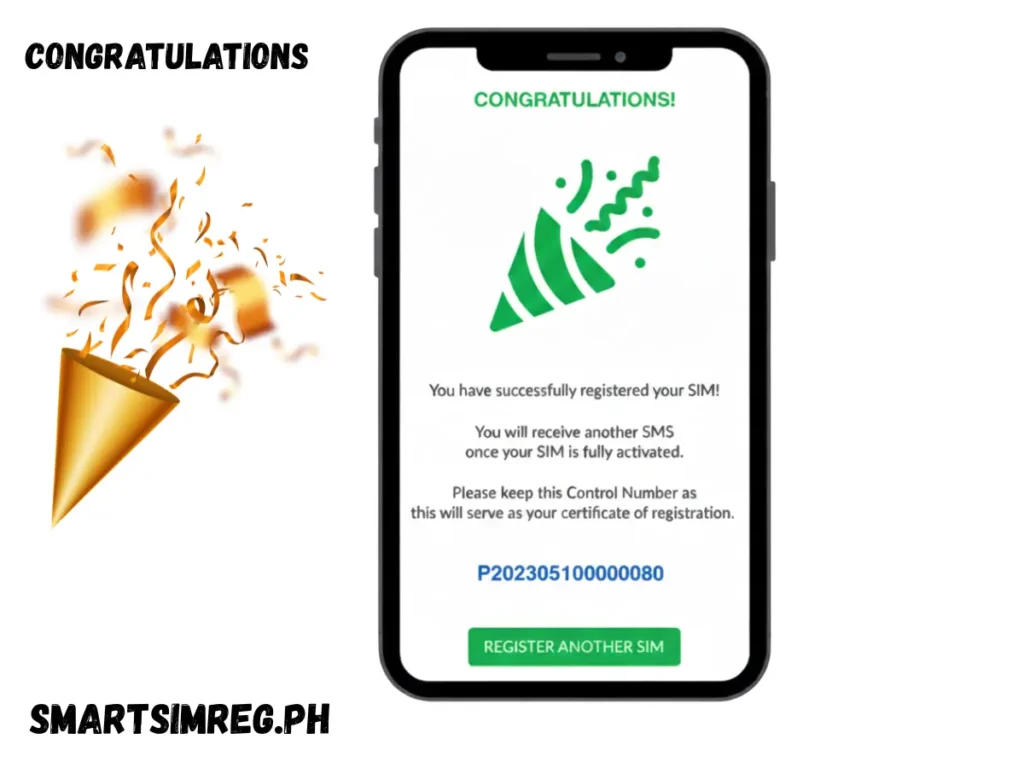
SIM Registration via QR Code
QR code for the SIM Registration is the quick response to register the SIM online with easy steps. So, scan the QR code below and directly jump to the SIM registration portal with quick access. Follow the above instructions and finish the SIM registration online.
Smart SIM Registration via GigaLife / Smart App
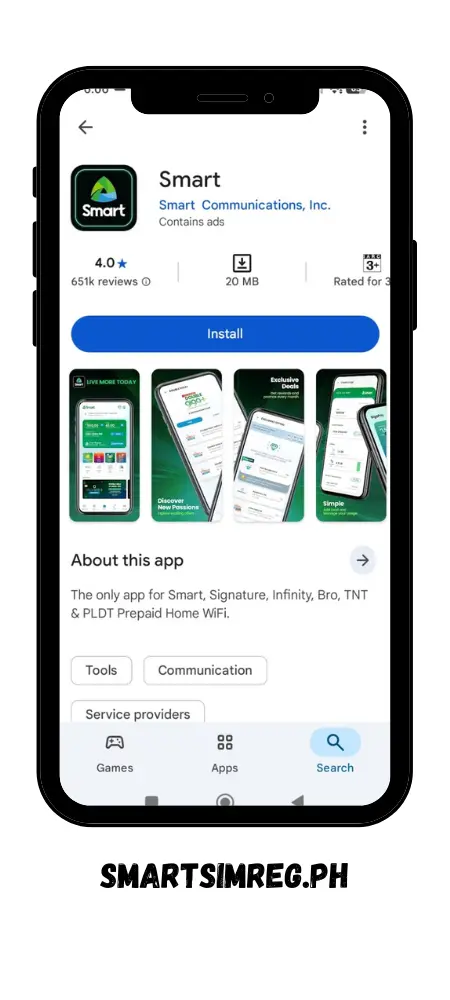
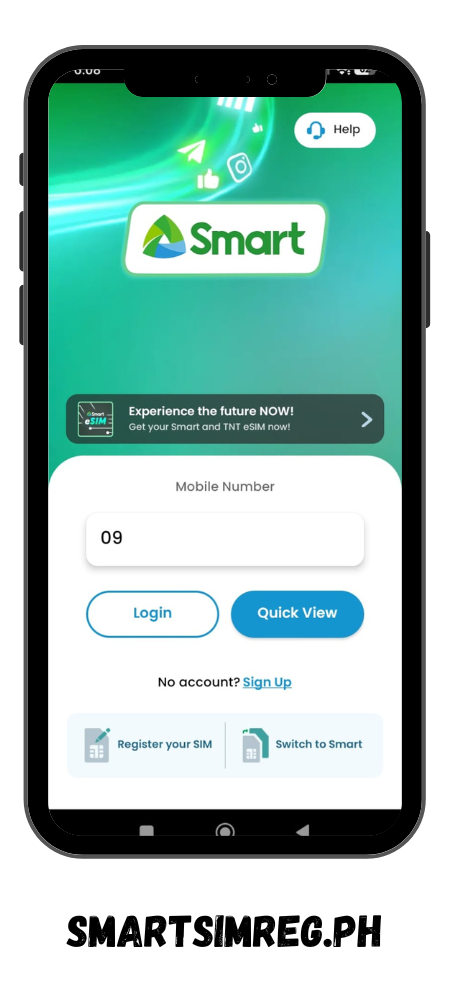
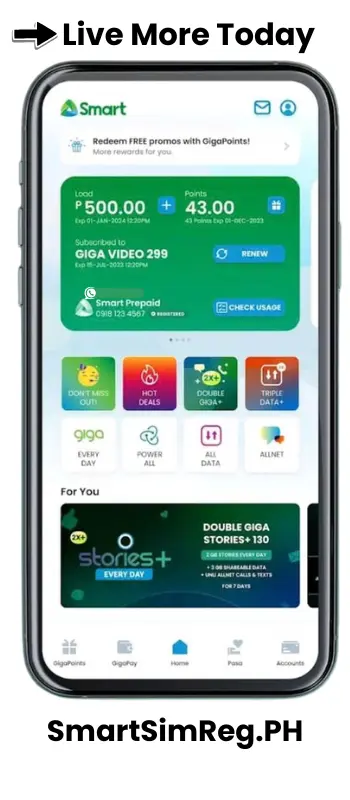
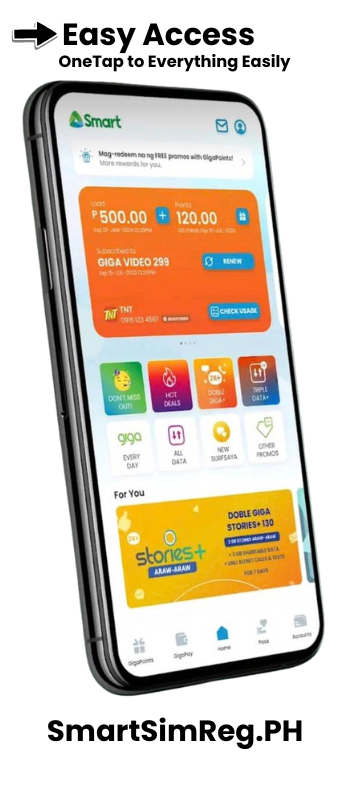
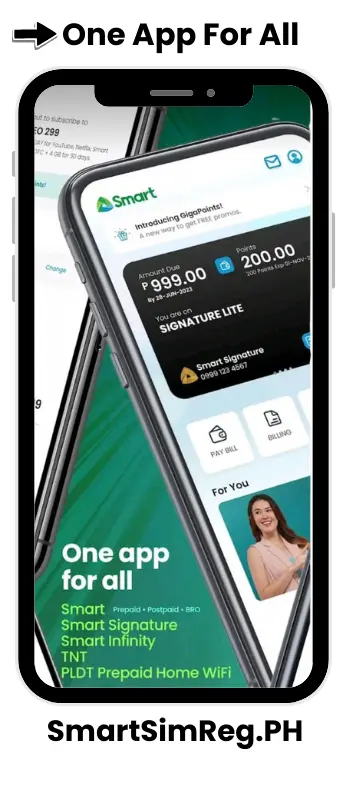
GigaLife App is also provided to register the Smart SIM registration with similar steps as mentioned in registration via the online web portal. Follow these guidelines to register a SIM through the Smart app:
Smart SIM Registration Using Call
The registration method using a call is not available for TNT SIM register users. Only postpaid Smart SIM users can take advantage of using the call service for registration. With the postpaid facility, users can register SIM online, renew packages, and change SIM packages with these services.
New Postpaid SIM Registration
The online registration portal system for SIM registration is offering the postpaid SIM without any further registration process. Whenever a user purchases a postpaid SIM, they need to verify the number on the online web system. The Smart telecom will automatically register the SIM within a few seconds.
Existing Postpaid SIM Renewal Registration
For the renewal registration of the existing SIM:
- Send a text message “YES” to 5858, and their confirmation call will be received.
- Follow all instructions for registration renewal and enjoy the postpaid SIM benefits.
Smart SIM Registration via Smart Store
Physical stores for SIM registration are the best way to register the Smart SIM with the face-to-face process. In stores, a guide will give instructions and help in proceeding. Here, you have to provide the primary documents and some details, and register the Smart SIM with the safe process. The registration process through the store is a convenient way, but sometimes it can become hectic due to rush situations.
Smart SIM Registration Number / Helpline Method
Users can register their Smart SIM by calling the registration number. However, this offer is limited to the postpaid users. They can dial the helpline number 5858 and follow the instructions to register the Smart SIM. Now, postpaid users can smartly register the SIM through a short verification process just by clicking a phone call.
Screen shot


Smart SIM Registration Rewards & Freebies
Along with the data offer, the new users can also avail the following packages:
Rewards for Prepaid Users
Rewards for Postpaid Users
Rewards for Family Plan
Rewards for Smart Home WiFi
How to Claim Freebies After Registration
The registration process for the SIM activation is absolutely free. New users can enjoy 3 GB of roaming data as an exclusive offer without any additional tax. The freebie claim is automatically registered upon registering the SIM.
Tips for Successful Smart SIM Registration
While researching for registration, here are a few tips I came up with for the registration of Smart SIM:
Common Problems & Errors (Troubleshooting Guide)
Users can face technical issues when registering the Smart SIM online. Sometimes glitches appear in the system. There are the following common errors that users might face:
OTP Not Received
In some cases, users face a delay in receiving OTP for verification. Generally, it happens due to an unstable network and heavy traffic on the web portal. Thus, make sure to have a stable data connection and click on resend OTP to verify your SIM number.
ID Not Clear / ID Error
Always use a clear ID image for uploading for registration to avoid any errors. Similarly, the recommended size for uploading the ID file is a maximum of 2 MB. Thus, upload the ID image with a visible signature and a picture of card holder.
Camera Not Working / Selfie Not Accepted
Users can face camera issues in the registration process. This issue appears due to the setting of camera permission in the user’s device. So, ensure that you have allowed the camera in your browser and that the device camera is properly functioning.
Portal Not Loading
The high traffic on the SIM registration web portal may cause a delay in the loading of the portal. The reason must be a high server load or an unstable network. You must use a stable internet connection for smooth portal working.
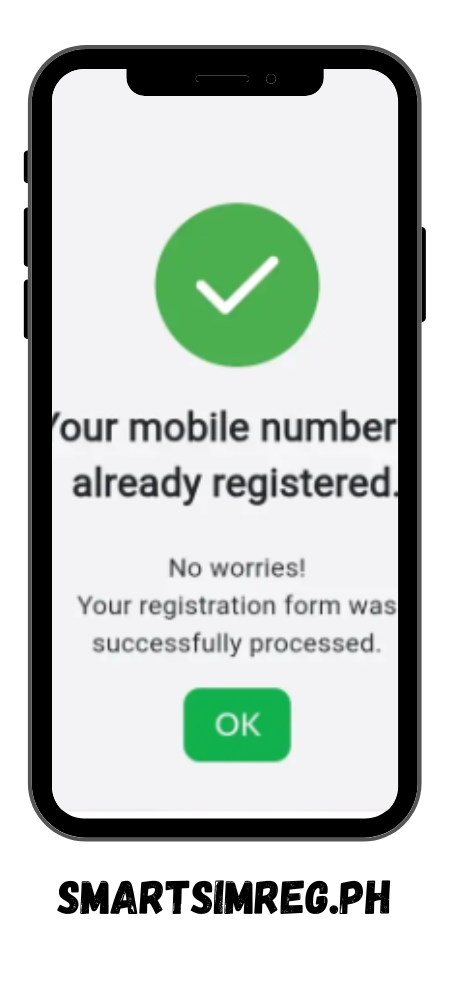
Smart SIM Already Registered
During registration of the online SIM the error appears that the SIM is already registered. It is possible that still SIM is registered under the previous owner. In this case, contact the helpline to fix this issue.
App Crashes
The app crash error might appear due to heavy server load. You can avoid this by using the latest version of the app and maintaining the device storage. Additionally, use the app during the low traffic hours to avoid app crashes.
Smart SIM Helpline & Support Details
The helpline of Smart SIM Registration TNT support has the following contact details:
Smart Hotline
*888
for Smart TNT mobile numbers
(02) 8888-1111
for Landline Number
Official Smart SIM Registration Portals
https://simreg.smart.com.ph/
Email Support
Smart SIM Registration Video Guide / Tutorial
FAQs – Frequently Asked Questions
Smart SIM Registration Online Resources
We are always available to assist you in the Smart SIM registration process. You can go through the FAQ’s for the most commonly asked questions, or contact us directly on email address and social links for detailed discussions on your issues.