
How to Check Your Smart SIM Registration Status
If you’re a Smart subscriber and you’re wondering, “Is my Smart SIM registered?” you’re not alone. Many consumers go through the registration process and then wish to verify whether or not their SIM is effectively registered and operational.
It is essential to check your registration status as an unregistered SIM may lose access to calls, text messages, mobile data and other network services. The good news is that it’s easy to check your registration details via Smart.
In this article, you will discover how to check Smart SIM registration status, why SIM registration is important and what to do if you are not sure whether your registration was successful or not.
Why SIM Registration Is Important
SIM registration was introduced to enhance security and minimize mobile-related fraud. Telecommunications companies can assist safeguard users from frauds, spam messages and unwanted actions by tying a SIM card to a confirmed identity.
Completing the registration process for Smart subscribers assures uninterrupted access to:
- Calling and texting
- Mobile internet services
- E-wallet and mobile banking application
- Offers & Rewards Promotion
- Customer service assistance
If your SIM is not correctly registered, you may experience service disruptions or restrictions.
Is My Smart SIM Registered?
One of the most common questions users ask is:
“Is my Smart SIM registered?”
Your SIM card is probably already registered if you’ve already filled out the form and gotten a proof message from Smart. But users sometimes want more proof, like when they switch devices, lose confirmation messages, or register more than one SIM card at the same time.
Luckily, there are several ways to make sure that you are registered.
How to Check Smart SIM Registration Status
These are the best ways to make sure about yours mind question “Is my Smart SIM registered?
Check Your Confirmation Message
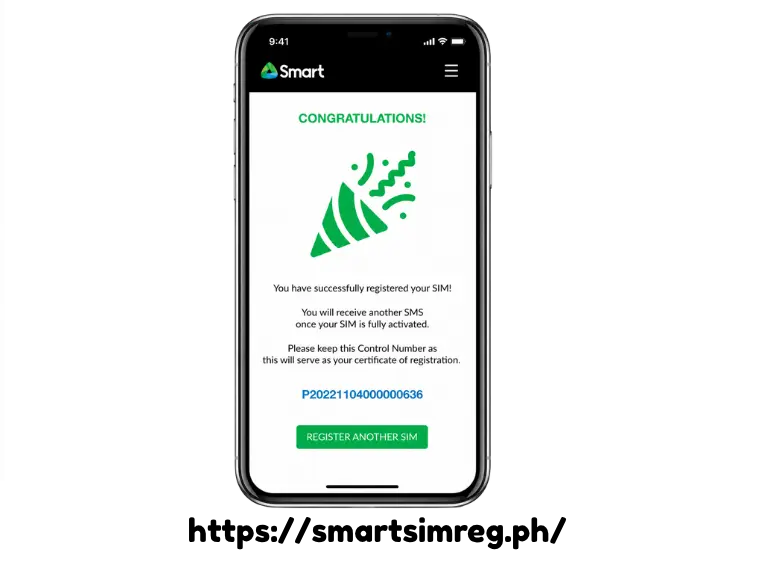
Smart usually sends a confirmation text message to the entered phone number after registration goes well.
Read your text messages to see if Smart has sent you any confirmations of your registration. If you got an official confirmation, it means that you were able to successfully register.
Don’t worry if you removed the message. There are other ways to make sure of your position.
Log in to Your Smart Account
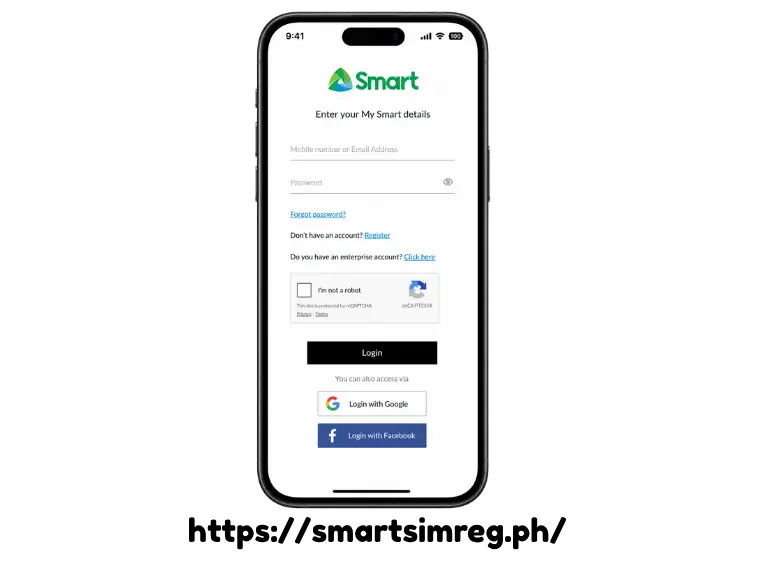
If you log into Smart’s online services or mobile application, you may be able to see your account information.
Review your profile information and account status. Registered users get access to full account features, which are tied to their confirmed cellphone numbers.
This is one of the most quick methods to see if your Smart SIM is registered without calling customer assistance.
Contact Smart Customer Service
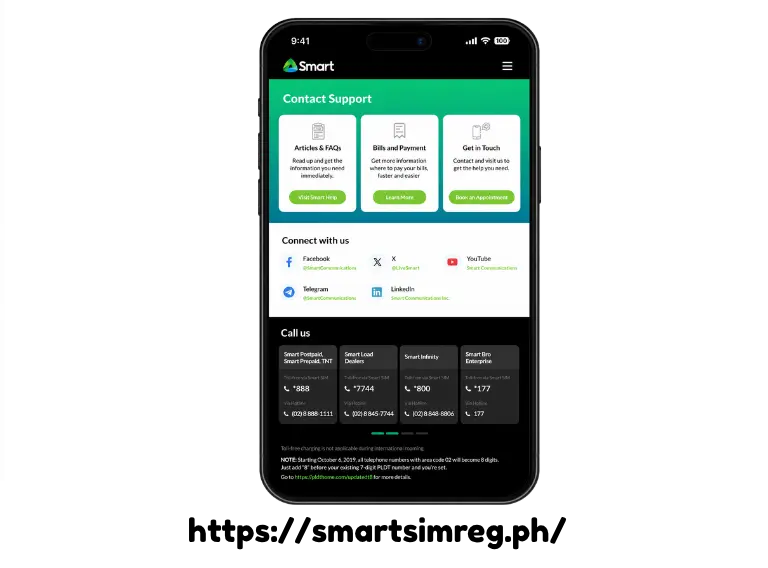
Still in confusion and asking yourself, “Is my Smart SIM registered?” then you can always call customer care.
Once you have been identified, a Smart representative can check your registration status. Before you call assistance, have your personal information and mobile number ready.
Customer service may also help you with resolving issues if your registration is incomplete or pending.
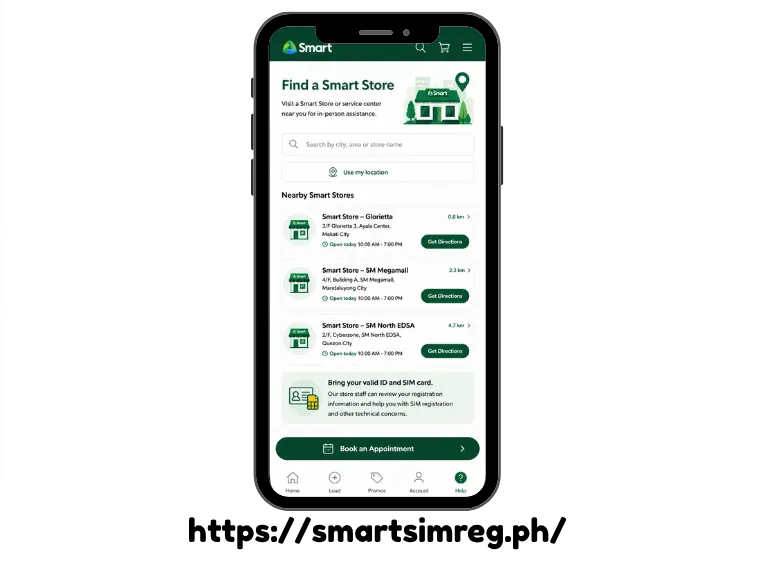
Visit a Smart Store
Users who prefer in-person assistance can visit a Smart service center.
Bring your valid ID and SIM card information. A store staff can review your registration information and advise you on what steps to take next.
This strategy is very useful if you are having technical problems with your SIM.
Signs That Your Smart SIM Is Registered
Always verify the official source, although there are a few signals that may indicate your SIM has already been registered correctly.
These are:
- Receive SMS registration confirmation
- Expanded access to phone and SMS services
- Mobile data working fine
- Smart rewards and incentives access
- No reminder mails from Smart to register.
If your services are up and running normally, and you get confirmation from Smart then your registration is probably finished.
What If My SIM Is Not Registered?
If you find out that your SIM registration didn’t go through, don’t panic.
You may usually fix the problem by:
- Re-registering the process again.
- Verifying the accuracy of the submitted information.
- Upload clear identity documents if necessary.
- Getting support from Smart customer service.
The majority of registration issues stem from uploading documents that are imprecise or incorrect personal information.
Common Reasons Registration May Fail
Understanding why a registration attempt failed can help you prevent delays.
Some common explanations are:
Incorrect Personal Information
A successful registration can be hindered if the name, date of birth, or identity number is not correct.
Always recheck your details before submitting the registration form.
Unclear ID Photos
Identification documents that are blurred or partially visible may be refused.
Ensure that your ID is adequately lighted, legible and clearly visible before uploading.
Network Issues
Bad internet connection can break the registration process and your information will not be submitted properly.
If possible use a solid internet connection before registering.
Incomplete Registration Steps
Some users begin to register but forget to finish the last verification step.
Look for the official confirmation notice that registration has been accomplished.
Advantages of Verifying Your Registration Status
Many users assume that registration is complete after submitting their information. But it’s helpful for various reasons to verify your status.
Peace of Mind
When you know your SIM is registered correctly, you remove any question and can avoid future service interruptions.
Additional network access
Confirmed registration helps secure continued access to calls, text messages and internet services.
Enhanced Security
A registered SIM provides further protection against unauthorized use and identity-related fraud.
Easier Account Recovery
If your SIM is lost or destroyed, having a registered number helps streamline account recovery and replacement procedures.
Final Thoughts
If you’ve been asking yourself, “Is my Smart SIM registered?”, taking a few minutes to verify your status will spare you from unexpected service delays in the future.
There are multiple easy ways to check Smart SIM registration status, including reviewing confirmation messages, logging into your Smart account, contacting customer support, or visiting a Smart store.
Keeping your SIM correctly registered provides uninterrupted connectivity, greater security, and access to all the services Smart offers. Whether you’re a new subscriber or simply confirming an earlier registration, checking your status is a fast step that delivers valuable piece of mind.