
Why Your Smart SIM Was Deactivated After Registration
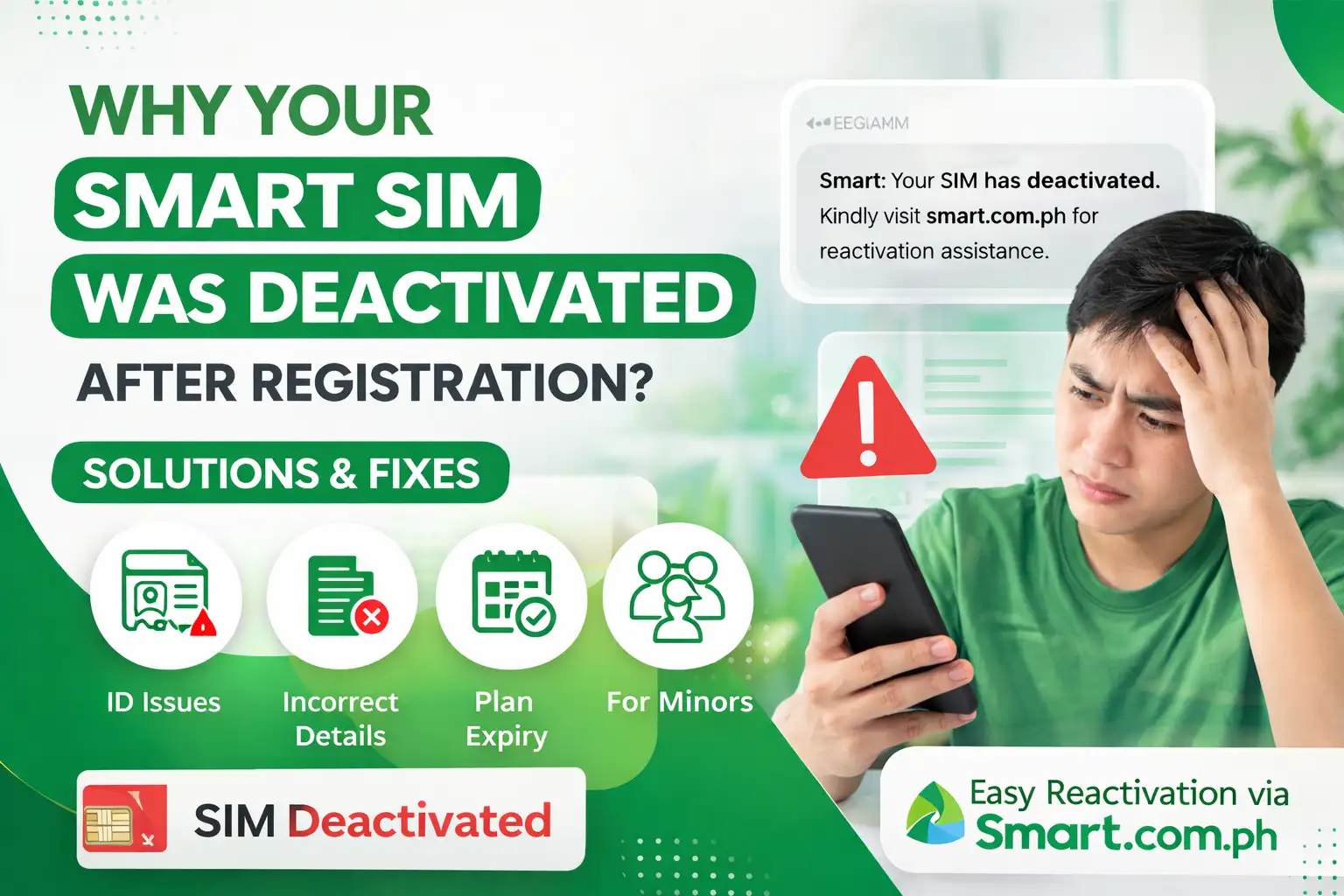
Smart SIM registration is activated in a very short time. Your SIM may have been deactivated after the immediate activation process. There are several reasons for blocking your SIM. Some of the major reasons are explained in detail, so you can understand and solve this frustrating experience.
Reasons for Deactivation
There are the following main reasons to avoid Smart SIM Deactivation:
Identity Verification Error
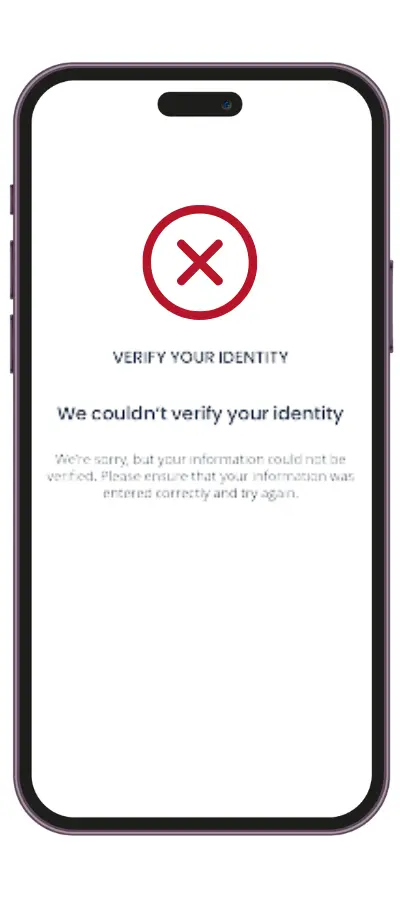
The Smart SIM registration uses advanced technology for selfie verification and the SIM activation process. All details are deeply analyzed to avoid any duplicate identity theft. It is essential for every user to avoid the use of nicknames in their registration process to avoid the failed identity verification. Similarly, blurry ID photos and expired documents can also cause your SIM to be deactivated due to the government cross-reference system.
Also read > Smart SIM for minors
Incorrect Registration Details
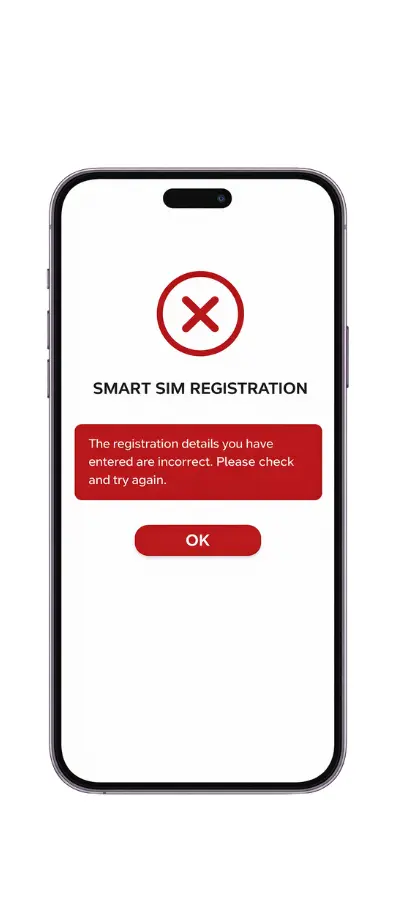
The incorrect details during registration are the major reasons for SIM deactivation. It is essential to double-check the information and spelling mistakes in your name and other basic details. Thus, make sure you fill in the exact details matching with government issued ID and clear ID photos to avoid any deactivation.
Fraud Activity on SIM Card
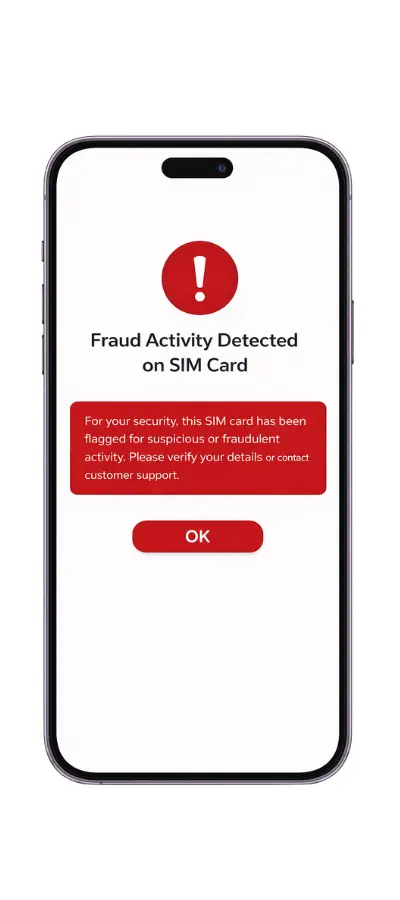
When users try to register SIMs with a single valid ID, it is detected as the suspected activity. This abnormal pattern of SIM gives alert to Smart’s security system and your SIM is blocked immediately. It is also given multiple locations under one government-issued ID. Thus, the SIM is deactivated.
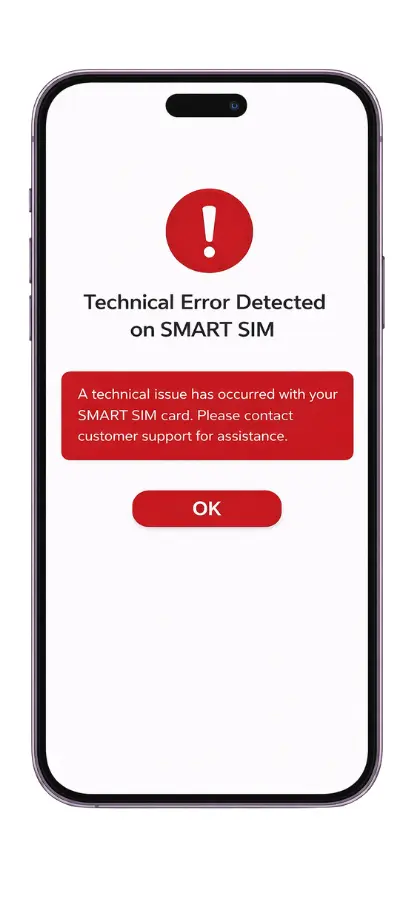
Technical Errors
The technical errors cause SIM deactivation due to lack of syncing of the database. Mostly, the SIM’s are deactivated on the provider’s end with these technical glitches. Then the system automatically records the SIM as having registration problems and the SIM is also deactivated.
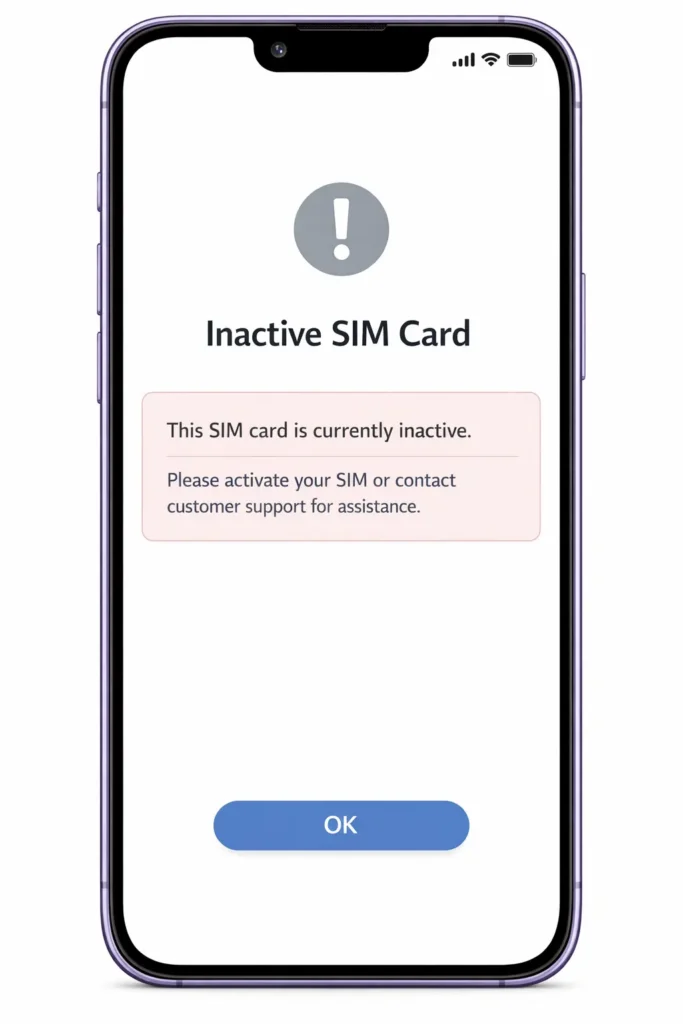
Inactive SIM Card
An inactive SIM for a long period can cause deactivation. As these are considered not to comply with the SIM Registration Act, the timeframe given for registration. So, when you have missed the registration deadline, it will be deactivated with late registration.
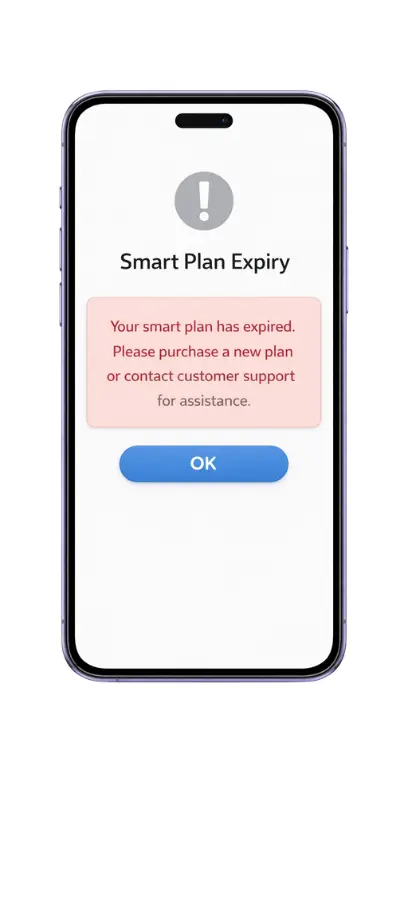
Smart Plan Expiry
The reason for plan expiry for your prepaid or Postpaid SIM plan also deactivates the Smart SIM. SIM plan also includes balance maintenance for 120 consecutive days. If the SIM stays with a zero balance for the duration of 4 months, regardless of whether the load remains. The SIM will be deactivated due to the plan expiry error.
How to Resolve Deactivation Issue
Follow these steps to resolve the deactivation issues. Your SIM will be reactivated within a short time.
Smart Customer Service
Contact the Smart customer helpline and discuss the deactivation issue in brief. They will coordinate and provide the solution quickly to solve the reactivation. You can also use the Smart communication app or Smart social media channels for quick help.
Reregister the Smart SIM Registration
In most cases, users are instructed to re-register through the registration process for the verification of Smart SIM. At this step, it is essential to fill in all details accurately as mentioned in the required documents. The additional verification documents are also required to complete this registration again.
Reload SIM Package Plan
In some cases, the Smart SIM is temporarily deactivated due to insufficient load. So, reload the SIM and send text messages or use the call service to reactivate the Smart SIM. This load expiration error changes the active SIM towards the deactivated state due to load validity issues.
Review of the Deactivation Case
Sometimes, the SIM is deactivated due to technical glitches and other wrong perspectives. You can request a review of the deactivation status. The Smart will review the cases to solve the dispute, and your SIM will be activated without any registration process.
Tips to Avoid the Smart SIM Deactivation
- Ensure all details are filled correctly, matching your valid government-issued ID.
- Upload a clear photo of your ID and a selfie with visible details.
- Avoid using expired documents in the registration process.
- Register Smart SIM within the allocated deadline.
- Make sure to use a single ID for the registration of allowed SIM cards.
- Save the registration confirmation status and receipt for reference in case of any activation issue.
Conclusion
In conclusion, the Smart SIM registration deactivation is fixable with a simple understanding of the reason for deactivation. You can avoid this problem by carefully filling in the details accurately in the registration process. Follow the given guidelines to reactivate and complete the registration process. You can also contact the helpline service for immediate reactivation of the Smart SIM.
Can I still Active my Smart sim so I can use it for my gcash?
Hi, you may still be able to reactivate your SIM. Please contact Smart support or visit a Smart Store to check if your number can be recovered and used with GCash again.