
Smart SIM Registration Not Working — Fix Common Errors
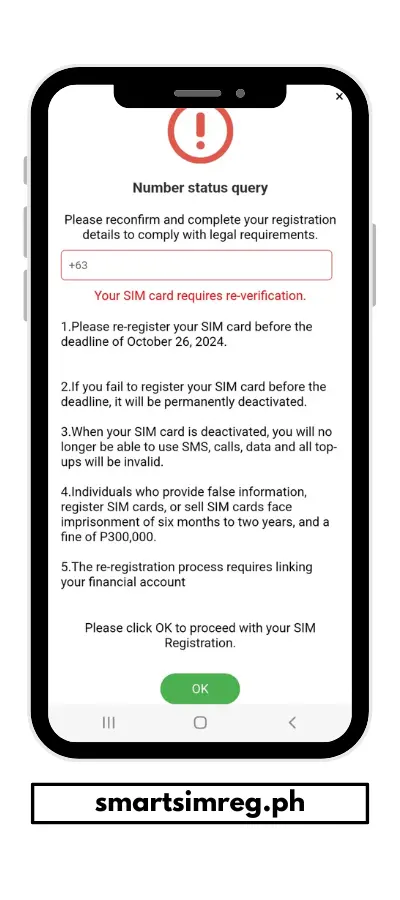
Smart SIM Registration Process via online portal, GigaLife App, and Smart Helpline is simple and convenient. However, you can face errors while registering for your SIM card. The repetition of these errors causes frustration due to the complete need for mobile data, text, etc. The official portal is occupied with high user traffic to follow the SIM registration Act in the Philippines. So, this may result in errors and other technical glitches.
The errors may also lead to a delay in the duration of SIM activation. In some cases, small mistakes during the SIM registration can cause delays and rejection of activation. Here is a complete guide to know about these errors and learn their solutions.
Common Smart SIM Registration Errors and How to Fix Them
Learn about these common errors and avoid making such mistakes during Smart SIM activation. Some major errors are:
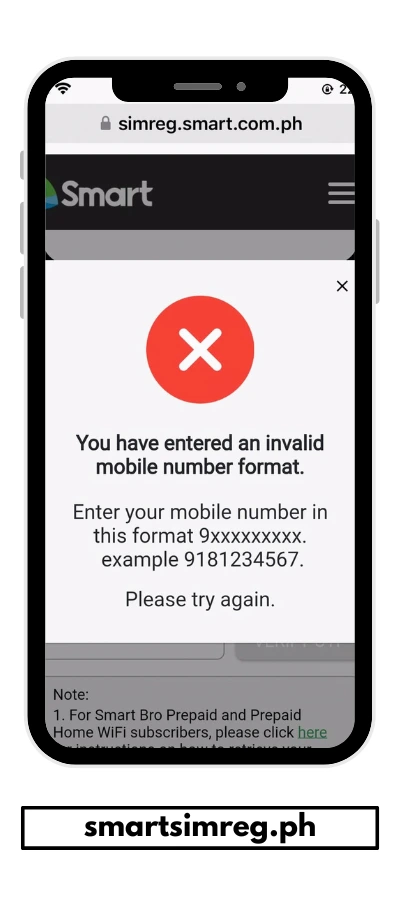
Invalid Mobile Number
Most users face an invalid mobile number. It is due to several reasons, such as an incorrect number format, as the system does not recognize the incorrect format. This error may also appear due to typing errors or using a mobile number from another network. You can avoid this problem by entering the Smart number with 11 accurate digits, and the SIM is issued by Smart Communications.
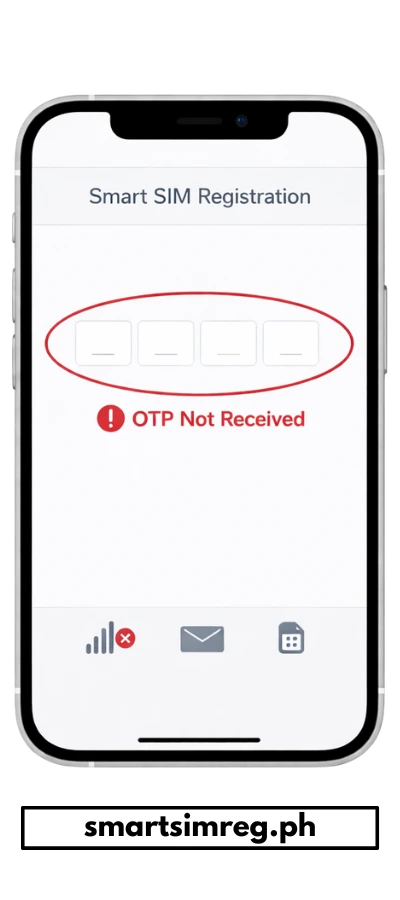
OTP Not Received
The OTP is essential for the verification of the application. Most users face this error due to a weak network or the Smart SIM not being inserted properly. The OTP may also go straight itno spam section due to a full inbox of messages. So, before starting the registration, clear the inbox storage, and make sure that the SIM is properly activated. Your internet connection must be stable during the whole registration process to avoid any problems in OTP verification and other problems.
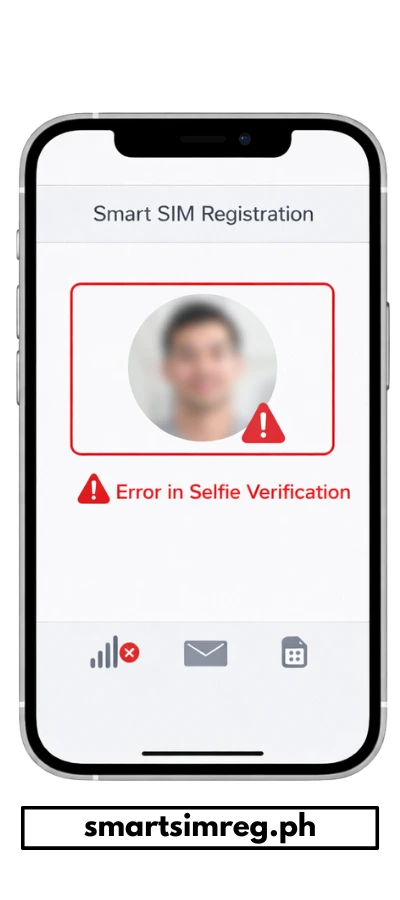
Error in Selfie Verification
An error in selfie verification appears due to the mismatched facial verification with the provided ID. Thus, make sure to provide a high-quality image to avoid selfie error. When capturing a selfie, keep your face in the center of the frame, remove glasses and a mask, and stand in a brighter area to match the selfie with your ID.
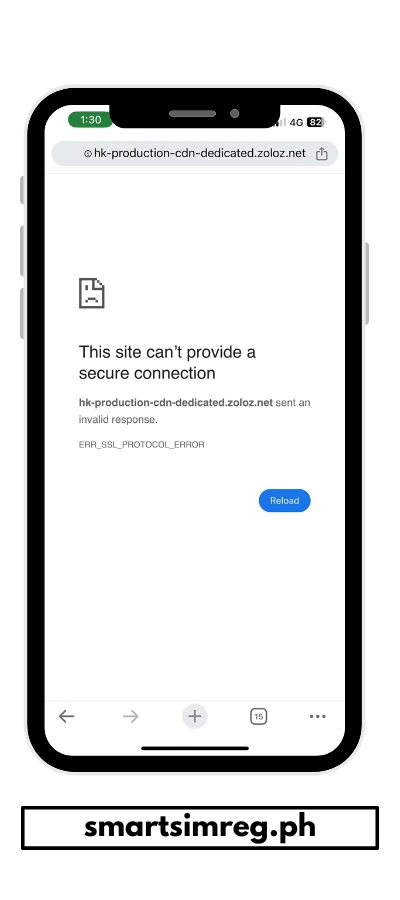
Website Not Loading
In some situations, the website freezes due to high traffic, browser issues, or a slow internet connection. So, during Smart SIM activation, use a stable internet connection, and try to register during the non-peak hours. You can also try to clear the cache and cookies of the browser and switch to another browser to avoid the error.
Invalid ID
Another common error is that the ID gets rejected during submission. Users provide blurry images, expired IDs, incomplete IDs, and unsupported ID types that appear to be the cause of ID rejection. You can avoid this problem by using a valid government-issued ID, submitting a clear image, and ensuring all details are readable in the image.
Error in Personal Information
The personal information is not matched with your ID, which gives an error for submission. You may have provided incorrect details, such as typing errors in your name, address, or birthdate information. It gives the incorrect message, and you can avoid this error by double-checking the application before moving towards the submission.
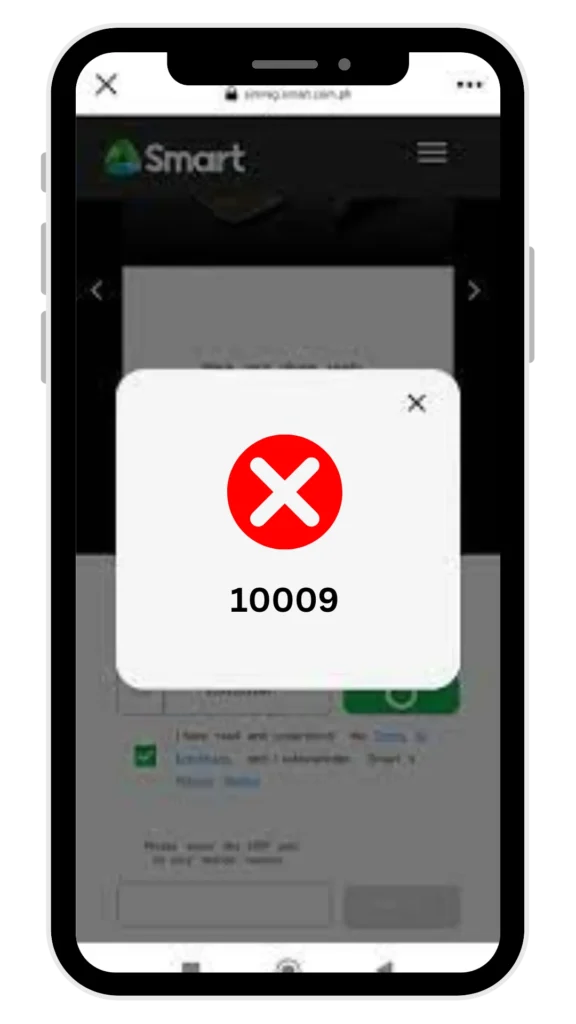
Duplicate Registration Error Code 10009
The duplicate registration error appears with the error code 10009. The meaning of this code is that your SIM is already registered. Thus, verify that your SIM is not already registered by contacting customer support.
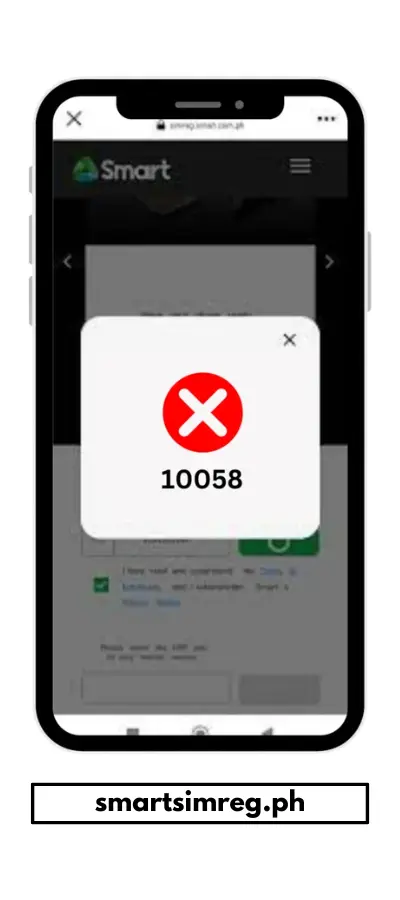
Error Code 10058
You may face error code 10058 due to a temporary issue in the Smart SIM registration portal. It gives the error to not proceed with your application, and you can switch to a device with a stable data connection to complete the registration. Usually, this type of server validation appears due to peak hours and some glitches in the portal.
Registration Link Expired
You can face the error of the registration link expiring. It is due to the slow process of form submission and inactivity while filling out the form. On the appearance of this error, refresh the page to solve this immediately. Another way is to start the process and avoid the long gaps to solve this error.
Conclusion
In conclusion, the Smart SIM Registration process may cause errors, which can delay SIM activation. Before submitting the application, make sure to review the details filled out and double-check that all information matches your documents. Since these errors may appear, you can make the process smooth by resolving these issues quickly without being frustrated.
Di na register
Hi, please restart your phone, check internet/signal, and try again. If it still fails, use another device or browser.
Error sim
Hi, please restart your phone and reinsert the SIM. If the error continues, contact Smart support to check your SIM status.
OTP not received
Hi, please restart your phone, check signal/data, and try again after a few minutes. OTP delay can happen due to network issues.
My sim card has been deactivated due to not reloading. It is a roaming number and registered. How can I reactivate it?
Mobile no.: 09691343237
Hi, please contact Smart support or visit a Smart Store. They can check your roaming SIM and help you if it can still be reactivated.
Pa tulong naman po ako sa sim ko
Hi, sure 👍 Please tell us what problem you are facing with your SIM so we can help you step by step.
0969458396 Smart sim why don’t register this
Hi, please try registering again using a different browser or device. Also make sure your ID photo is clear and all details are entered correctly. If it still doesn’t work, contact Smart support for assistance.